
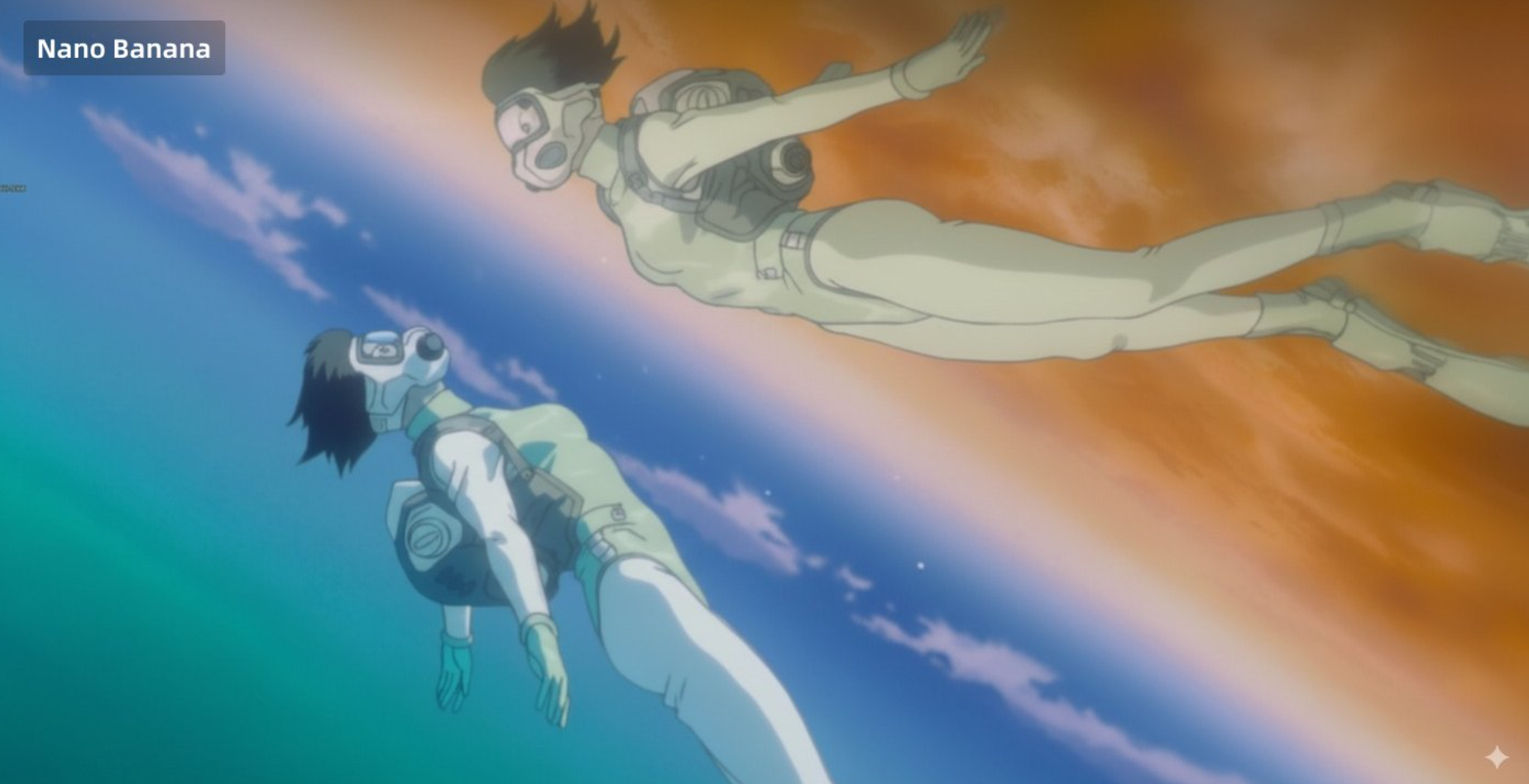
How to use this prompt
- 1Copy the prompt above. If the prompt contains
{placeholders}or[brackets], replace them with your specific subject, scene, or colors before running. - 2Paste it into the GPT Image 2 generator. Click Use this prompt in GPT Image 2; the text is pre-filled so you can tweak wording, aspect ratio, or quality before you generate.
- 3Generate and iterate. GPT Image 2 returns a photorealistic or stylized image in under a minute. Save the output, tweak the prompt, and regenerate — small wording changes produce large visual differences.
Tips for better results
- Keep your subject and style in the first 40 words of the prompt. GPT Image 2, like most text-to-image models, weights early tokens more heavily when composing the image.
- Prefer concrete nouns and colors (“burnt amber”, “matte terracotta”) over vague adjectives like “nice” or “pretty”. The model renders what it can visualize specifically.
- For image-to-image prompts, upload a clear high-resolution reference. Low-quality inputs propagate into the output.
- If you're after a specific composition, anchor it with “centered composition”, “rule of thirds”, or explicit positional language like “bottom-left corner”.
More GPT Image 2 prompts
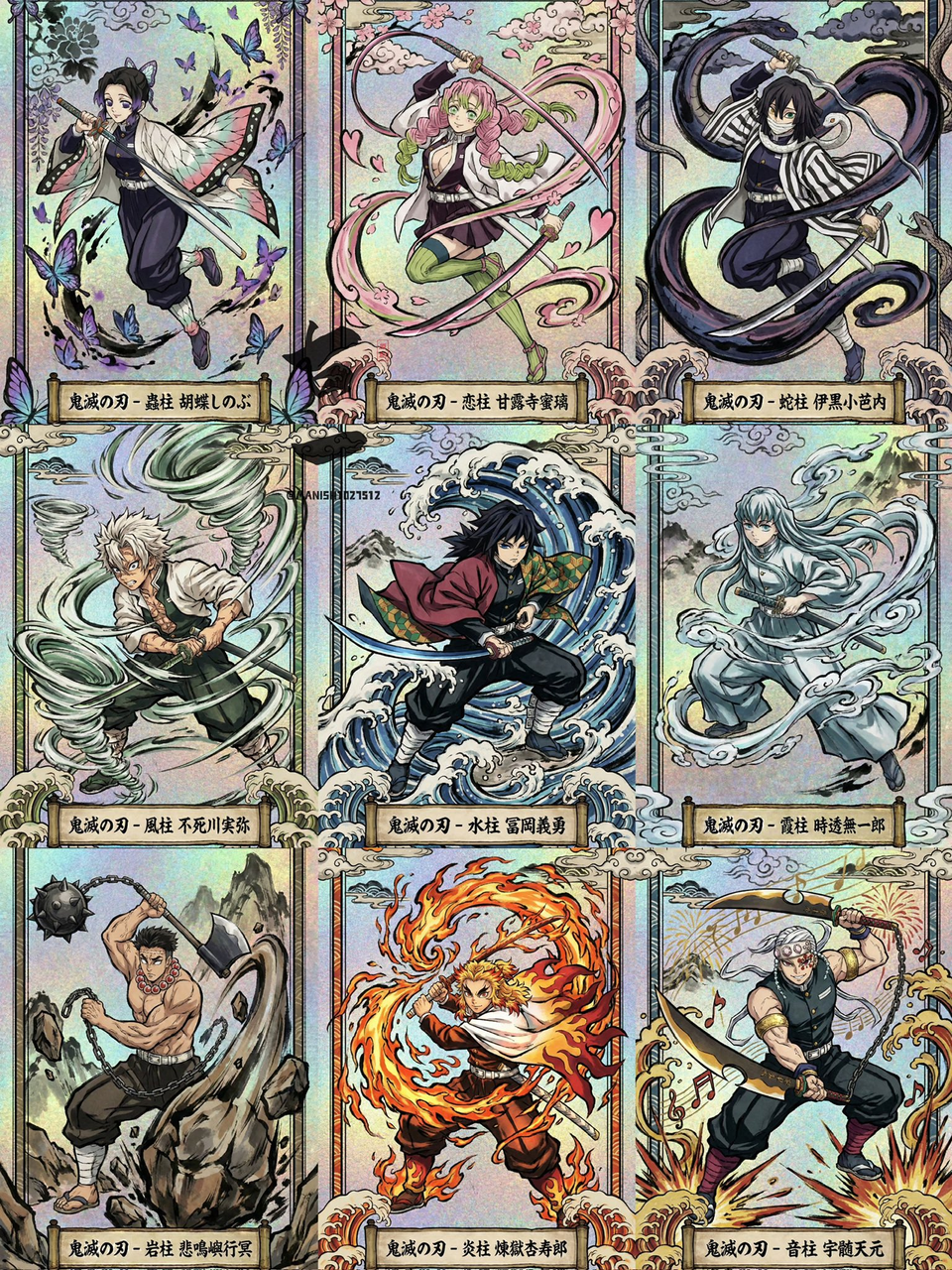
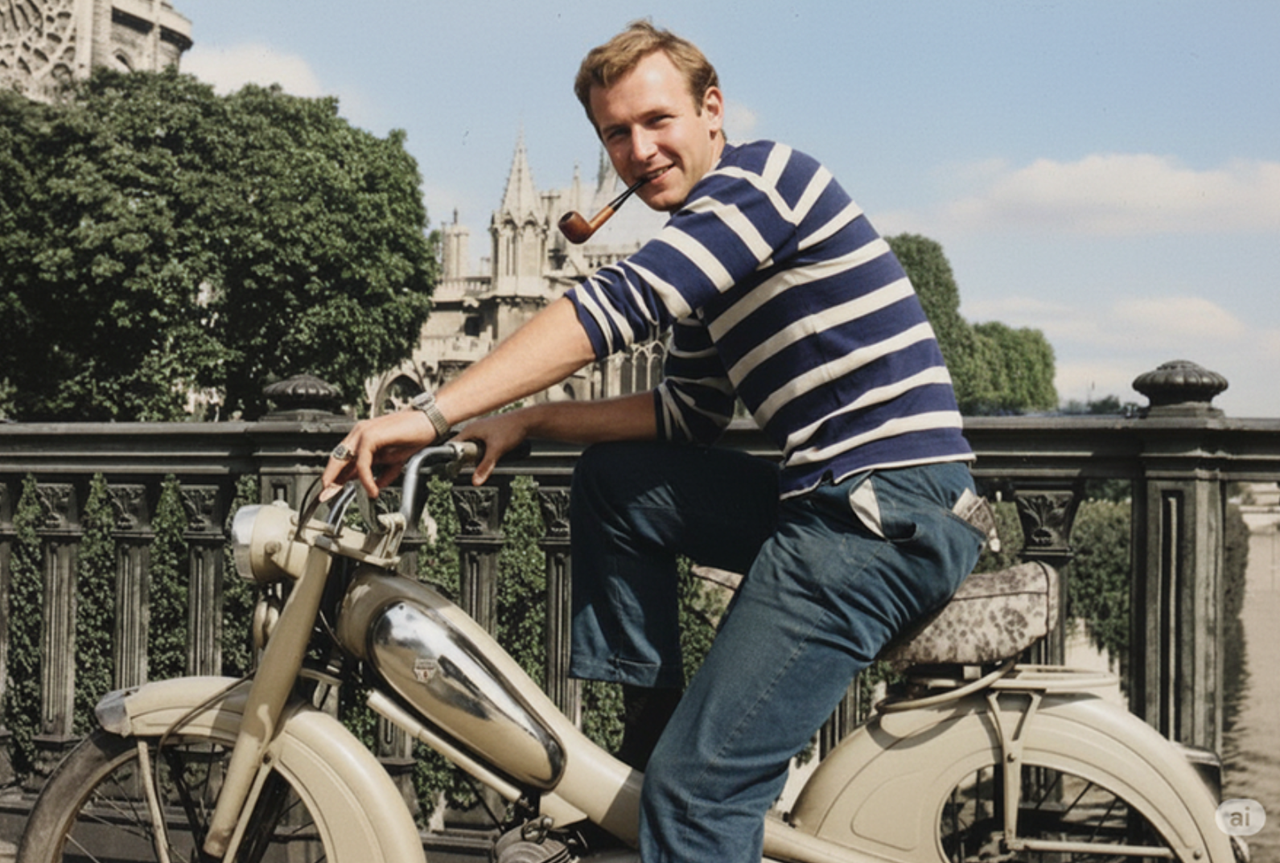
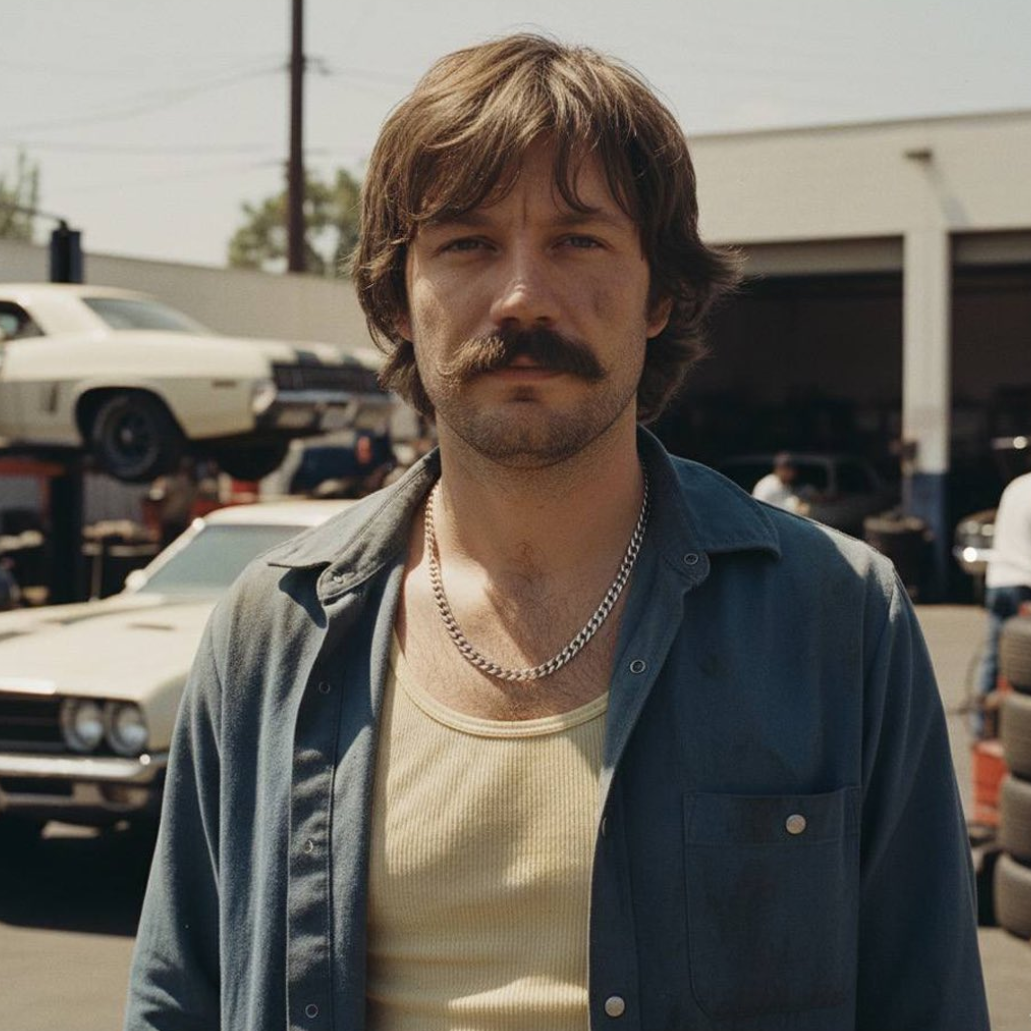
About GPT Image 2 prompts
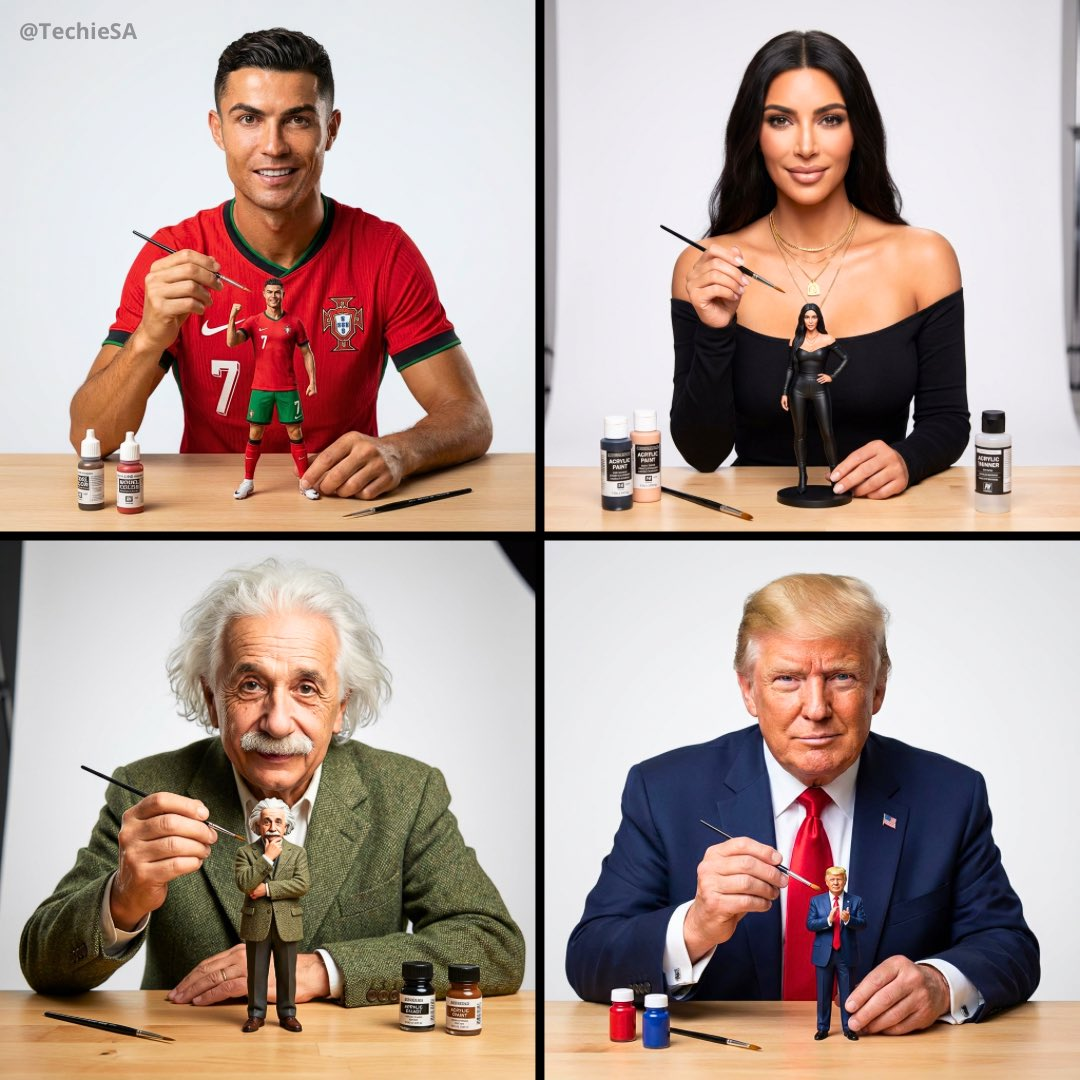
GPT Image 2, powered in this app through the gpt-image-2 API model, is built for both text-to-image and image-to-image workflows. This curated prompt library gathers working prompts from creators on X, Reddit, and the open web, each paired with the real image it produced so you can see exactly what to expect before generating your own. All prompts are free to copy and adapt, and attribution to the original author is preserved on every detail page.