
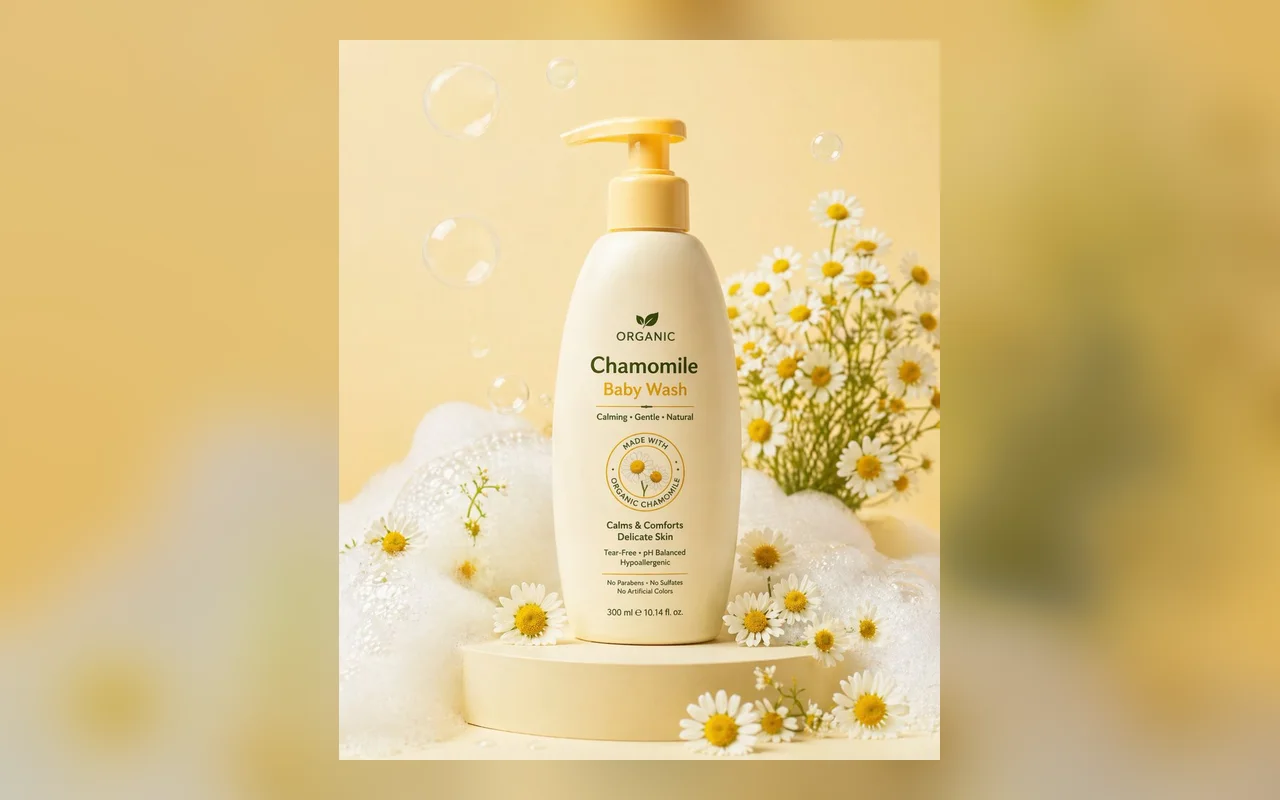
AI product photo generator
AI product photo generator
Turn a simple product idea into a commercial studio shot with lighting, props, texture, and ecommerce-ready framing.
Generate thisUse GPT Image 2 for text-to-image, image-to-image editing, product shots, portraits, posters, avatars, and reference-photo transformations.

No Images Generated
Describe the details of the image, such as color, shape, texture, etc.
Creation shortcuts
These starters match high-intent GPT Image 2 searches: product photography, AI portraits, poster design, avatars, background edits, reference-photo transformations, and prompt templates.
AI product photo generator
Turn a simple product idea into a commercial studio shot with lighting, props, texture, and ecommerce-ready framing.
Generate this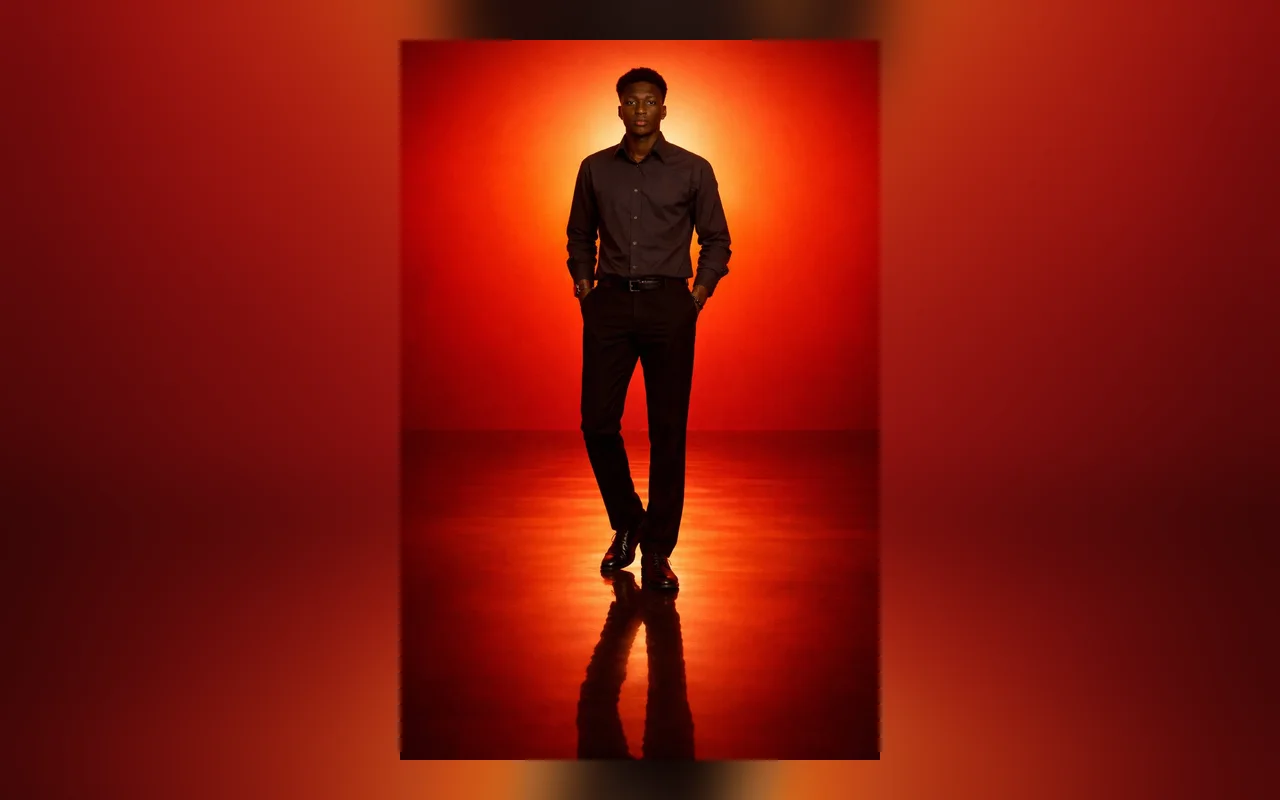
AI portrait generator
Create editorial headshots, profile photos, creator portraits, or character portraits from a text prompt or a reference image.
Generate this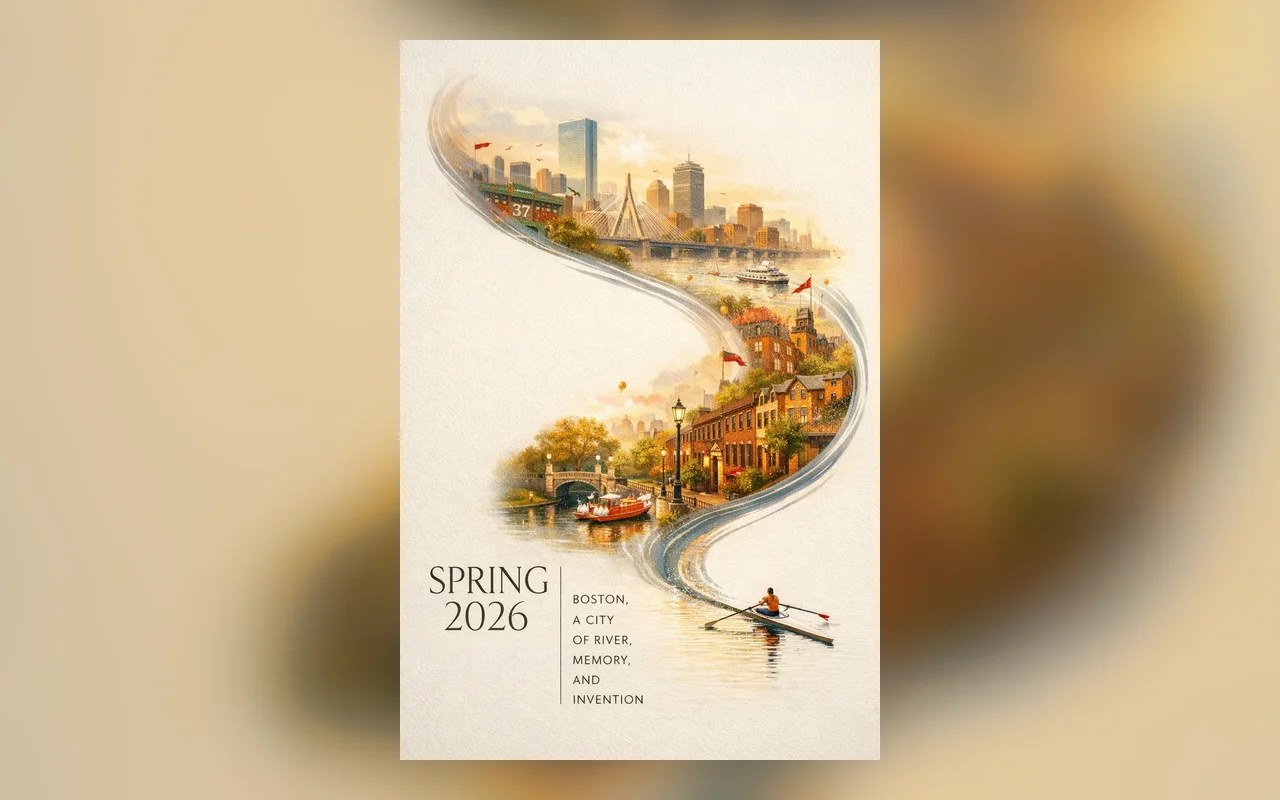
AI poster generator
Draft campaign posters, film concepts, event graphics, and social visuals with a clear layout and visual hierarchy.
Generate this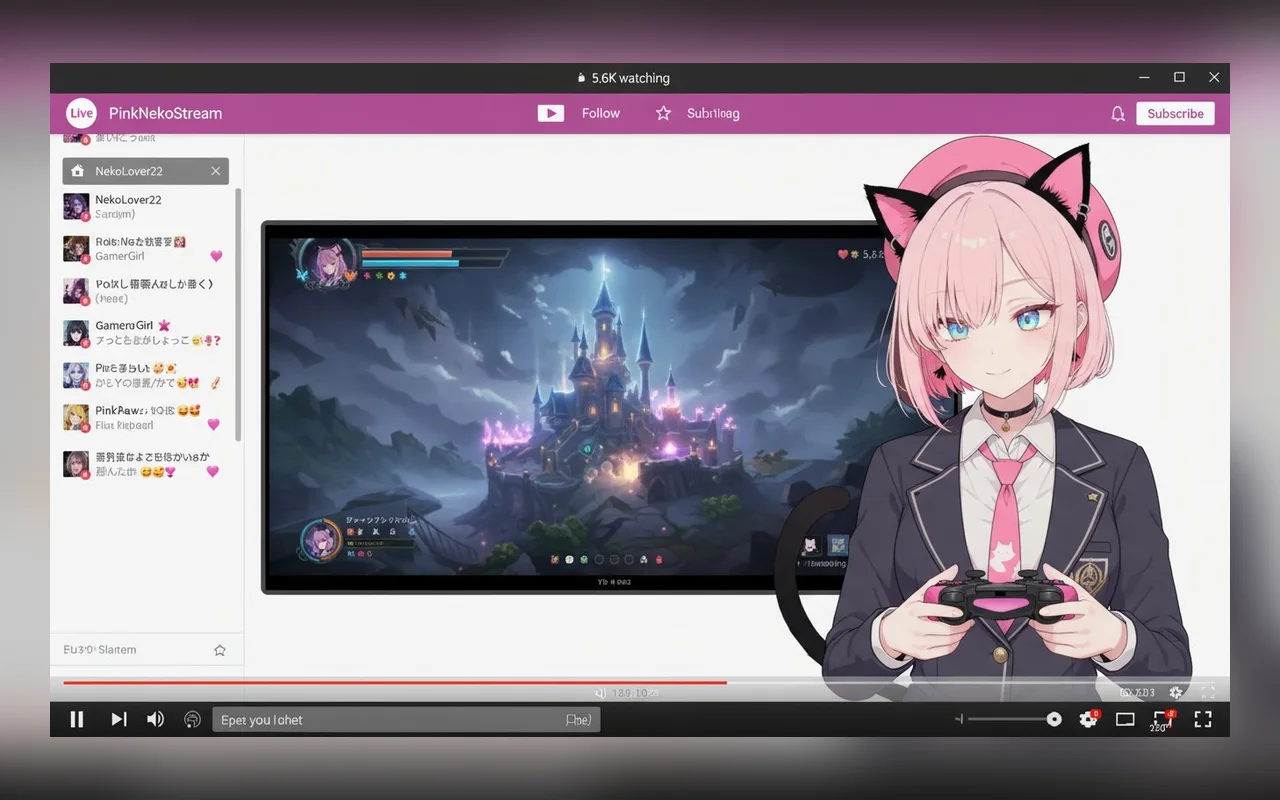
AI avatar generator
Generate profile-ready avatars for founders, streamers, newsletters, communities, and product mascots.
Generate this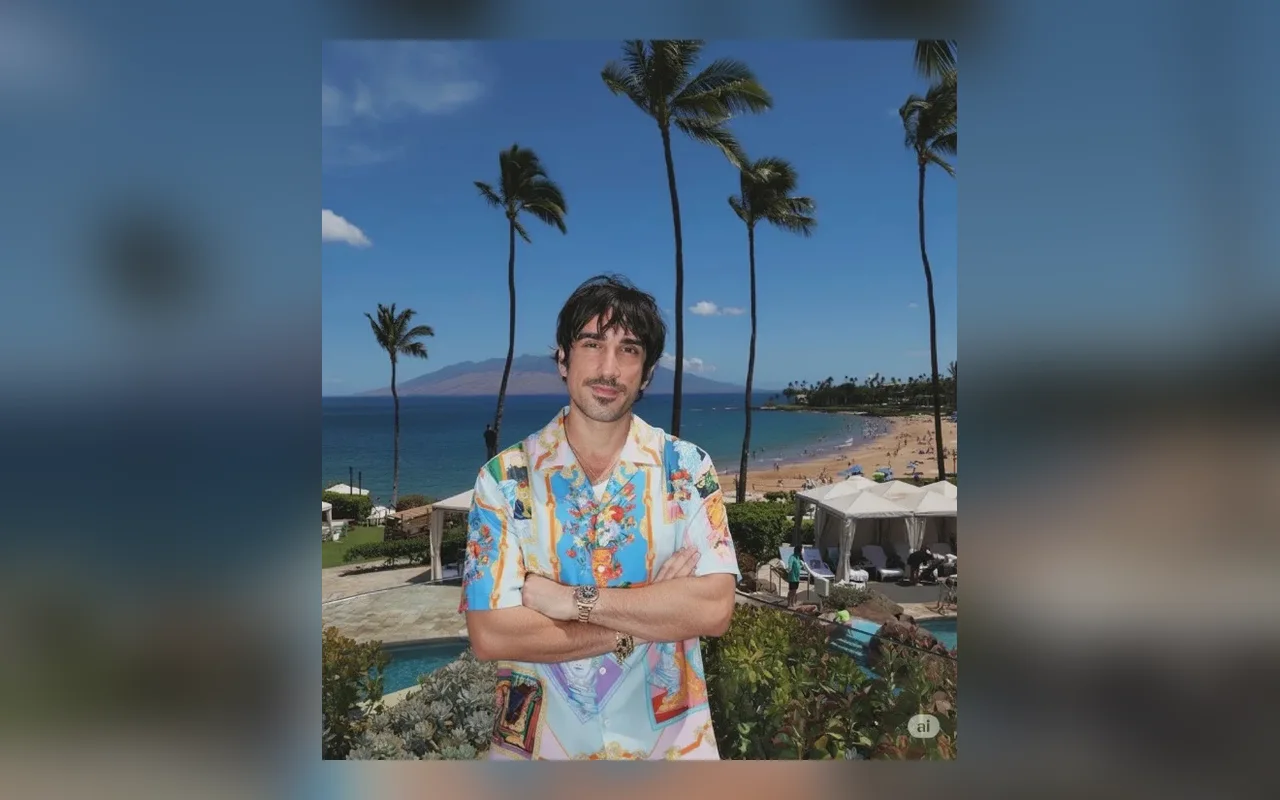
image to image generator
Upload a reference photo and ask GPT Image 2 to preserve the subject while changing style, setting, clothing, or lighting.
Generate this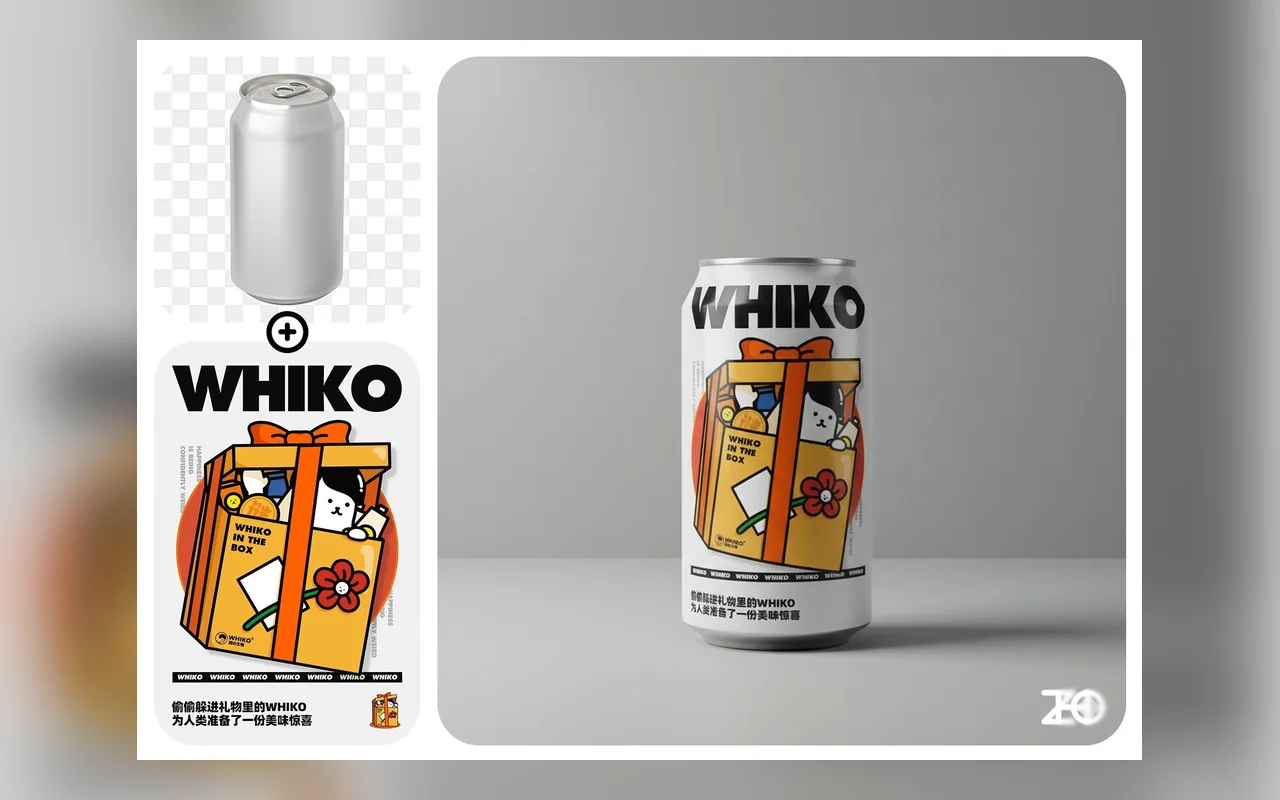
AI background changer
Replace cluttered backgrounds with studio, lifestyle, office, outdoor, or campaign-ready scenes.
Generate this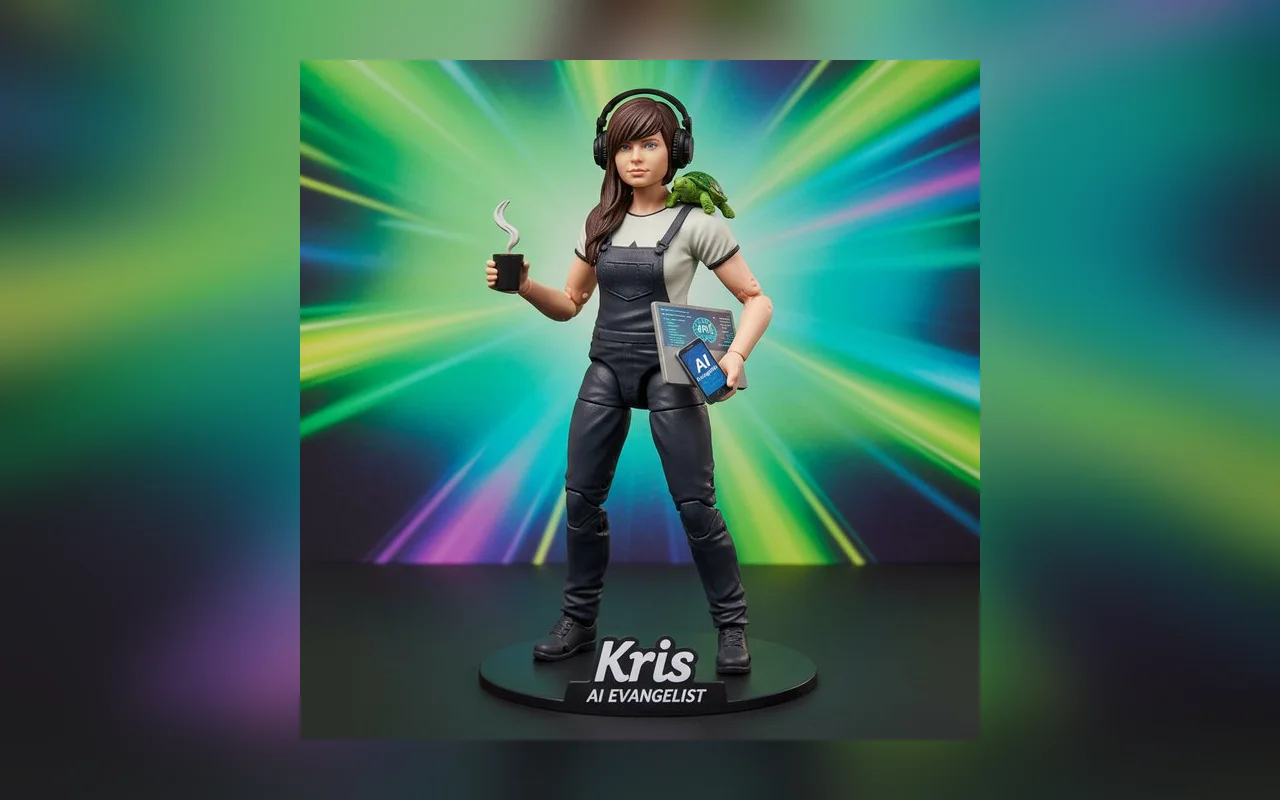
photo to LEGO minifigure AI
Transform a reference portrait into a collectible minifigure box concept while keeping recognizable clothing and accessories.
Generate this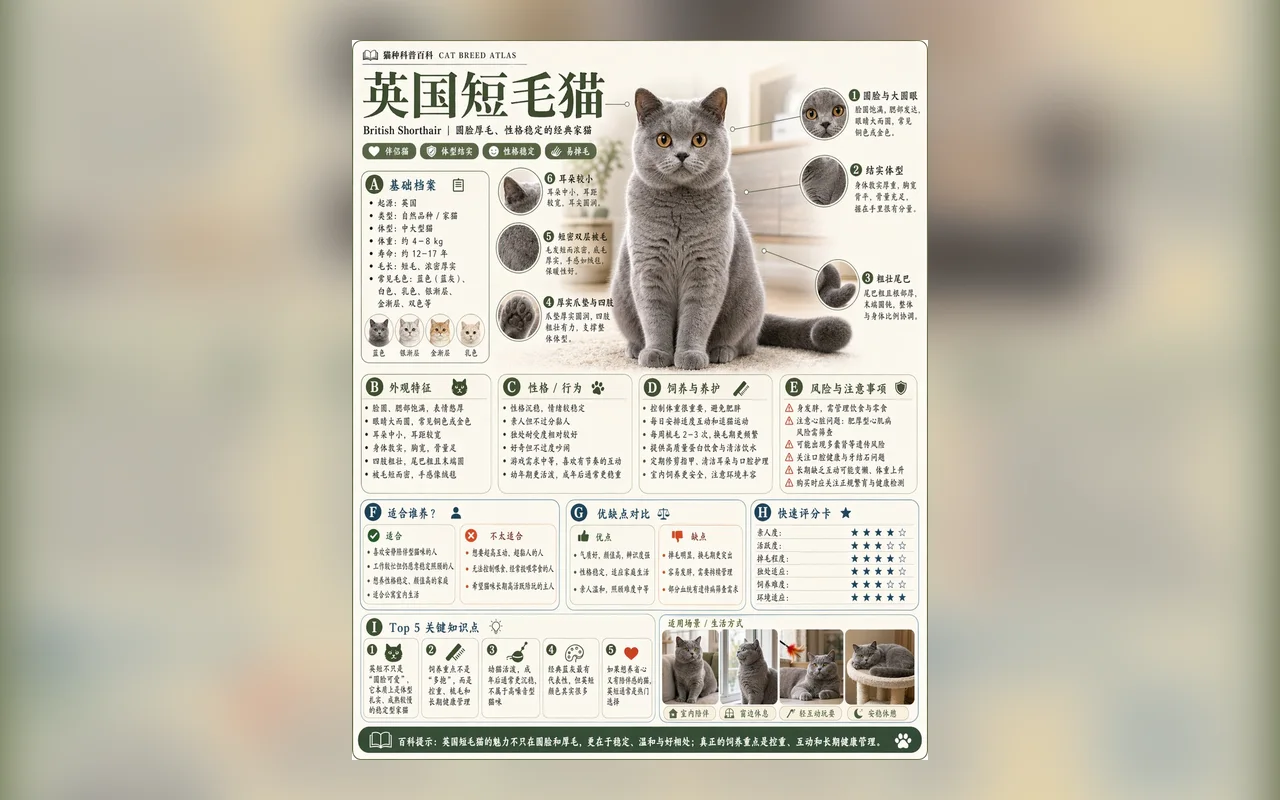
AI infographic generator
Turn facts, comparisons, or article notes into a visual explainer with labels, panels, icons, and readable hierarchy.
Generate thisExample results
Use these examples to understand the level of detail GPT Image 2 can produce across portraits, campaign scenes, posters, and visual notes. Each example links back to a prompt starter you can edit.
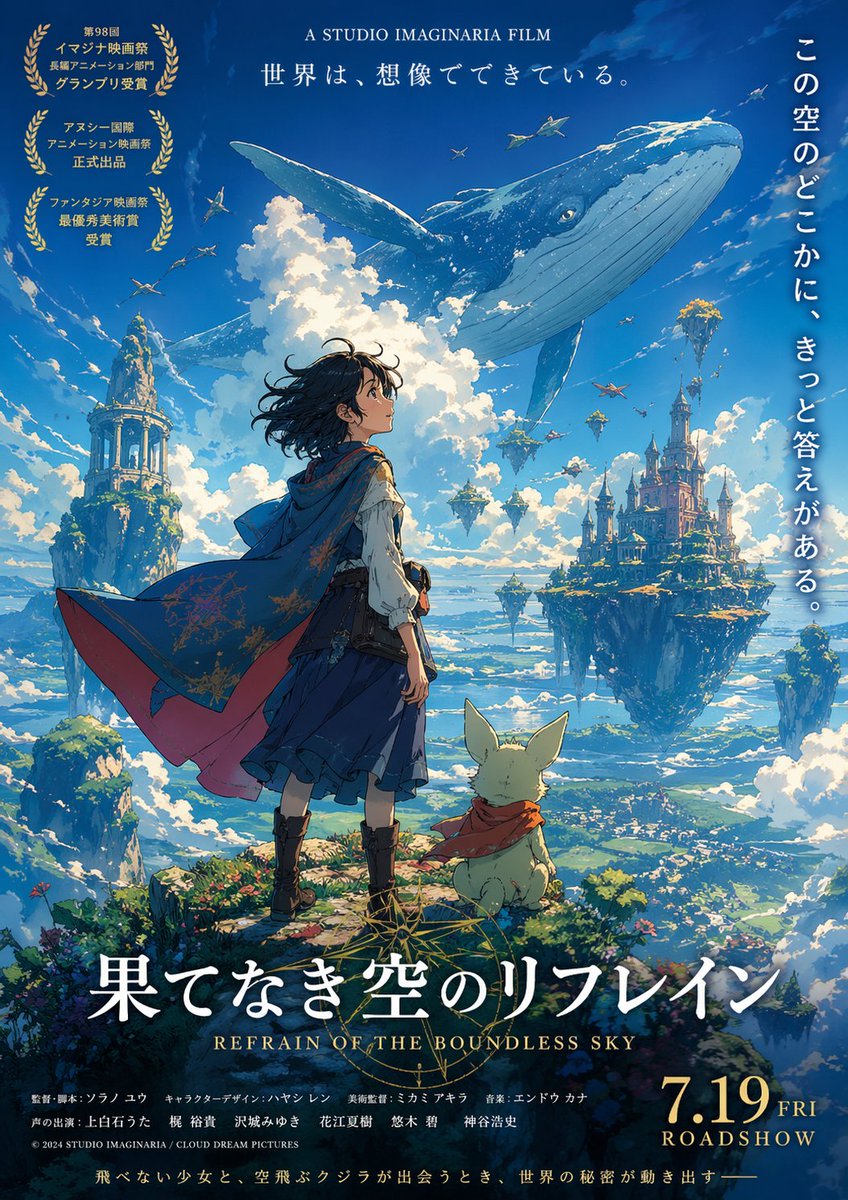
GPT Image 2 creative concept
A GPT Image 2 example for turning an abstract creative idea into a campaign, event, or social visual.

AI lifestyle image generator
A saturated street scene for social ads, music drops, creator branding, and fashion campaign concepts.

AI poster design example
A sale poster example with a clear subject, oversized typography, seasonal graphics, and ecommerce campaign energy.

AI infographic example
A note-style diagram for explaining workflows, article concepts, tutorials, and educational content.
Choose the right mode
Most searches around AI image generation split into two intents. Use text-to-image when the concept starts from words. Use image-to-image when the subject, face, product, or composition must stay close to a reference.
text to image generator
Best when you need a new scene, concept, poster, product shot, or avatar from a written prompt.
image to image generator
Best when a reference photo should guide identity, pose, product shape, scene layout, or brand consistency.
Reliable workflow
Use the generator like a creative brief: define the job, add visual constraints, generate once, then tighten the prompt based on what changed.
Choose the image outcome first: product photo, portrait, poster, avatar, image edit, or reference-photo transformation.
Describe the subject, style, scene, lighting, camera angle, composition, and final use case.
Upload a photo when identity, product shape, clothing, pose, or layout needs to stay consistent.
Keep the best result, then ask for tighter lighting, cleaner background, clearer text, or a more specific style.
Prompt recipes
A strong GPT Image 2 prompt reads like a compact art direction note. These patterns cover searches people use when they already know the result they want.
Prompt formula
Subject + visual goal + style reference + scene + lighting + composition + constraints + final format
AI product photography prompt
Use this when you need ecommerce visuals, hero images, packaging shots, or ad creatives.
Create a premium product photography shot of [product] for an ecommerce hero image, [material/texture], [background], soft studio lighting, realistic shadows, clean composition, no extra text.
Try this promptAI reference photo portrait prompt
Use this when identity, expression, hairstyle, or clothing from an uploaded photo should remain recognizable.
Use the uploaded reference photo as the main person. Preserve facial identity and hairstyle, change the setting to [scene], use [lighting style], realistic editorial portrait, natural skin texture.
Try this promptAI poster design prompt
Use this for event posters, movie concepts, album covers, launch graphics, and social campaign visuals.
Create a [theme] poster for [event/product], strong central subject, clear space for headline text, [color palette], dramatic lighting, premium print layout, vertical format.
Try this promptMore prompt paths
The Create page is the hub. Use these pages when you want a finished prompt example, a visual gallery, or a narrower GPT Image 2 use case.
Create page FAQ
Use a compact creative brief: subject, goal, style, scene, lighting, camera angle, constraints, and output format. The more specific the visual job, the easier it is to refine.
Yes. Use image-to-image when a face, product, pose, outfit, or layout should stay close to a reference photo while the style or setting changes.
Yes. Product prompts work best when they describe material, surface, lighting, background, shadow behavior, and final use case such as ecommerce, ad creative, or packaging.
Generated images are designed to be clean output without GPTImage2 watermarks, so they can be used in design, marketing, and content workflows.
GPTImage2 is built for commercial-ready creative workflows. You should still avoid uploading or generating content that violates rights, privacy, or platform policies.
Keep the part that worked and refine only the weak area. Add constraints like cleaner background, stronger product shadow, natural skin texture, readable typography, or a more specific camera angle.